Neutral script
The same Calm Narrator template with no local performance direction.
Welcome back. Your report is ready. Let's review the next steps.Expressive text-to-speech
Create polished voice output in minutes. Write normal scripts, add natural-language delivery cues in brackets, reuse the same voice across every prompt, and prepare the same workflow for MCP after npm publication.
USER
Write a warm dashboard update.
ASSISTANT
[warm] Welcome back. [excited] Report ready.
Voice: Product Guide v2
Expression: [calm and bright], [urgent but friendly]
Use for: dashboard updates
Output: audio ready
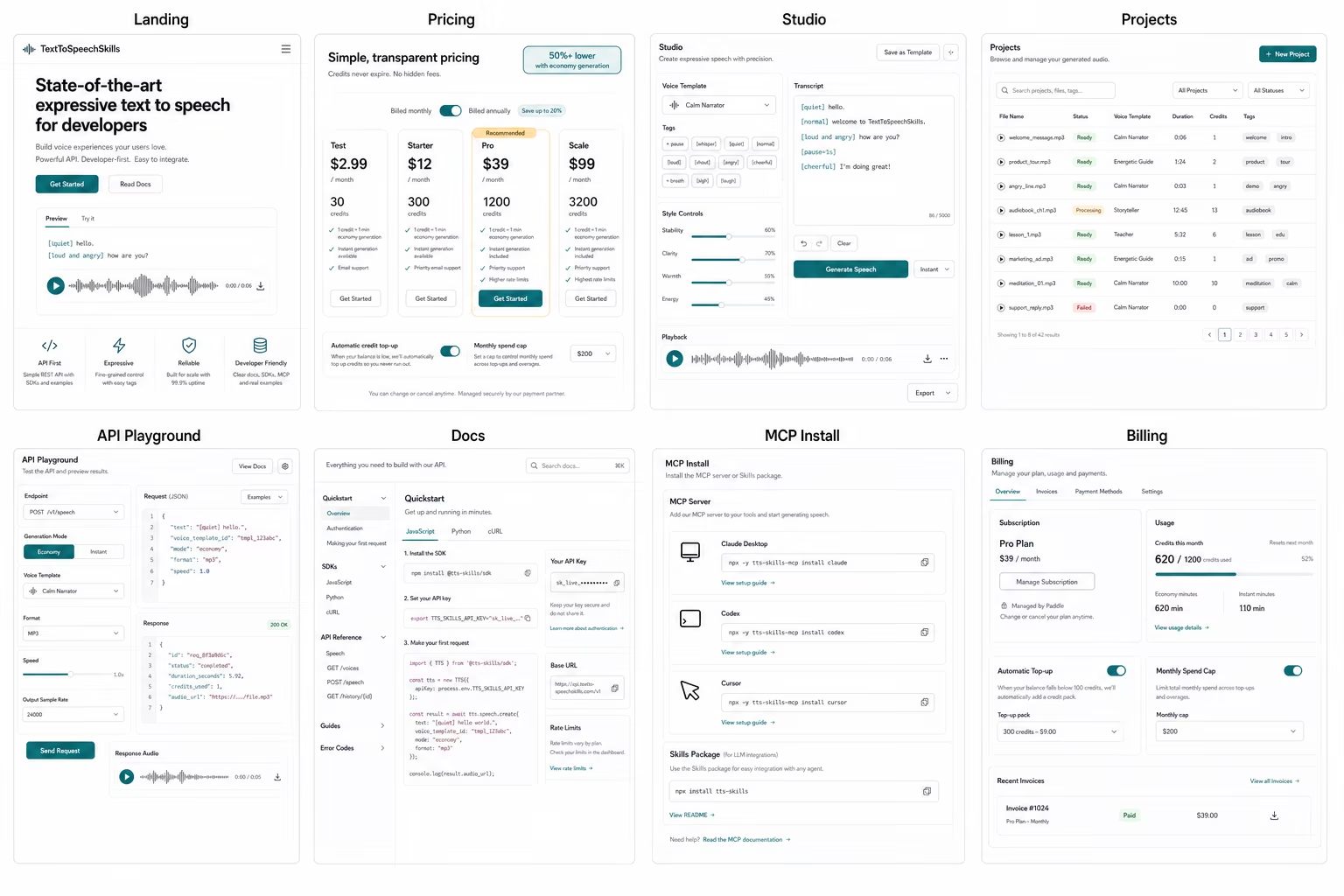
TextToSpeechSkills is a paid text-to-speech platform for people who want good voice output without setting up a complicated audio stack. You can write a normal script, add full natural-language expression directions like [trying not to wake someone] or [confident but playful], save a voice template, and generate audio from the studio or API today, with the MCP server and skills package following after npm publication. The product is built for LLM workflows, so a non-technical user can ask an agent to prepare narration while the account owner keeps billing, keys, templates, and permissions controlled. Developers get async speech jobs, webhooks, scoped API keys, workspace billing, and predictable credits. One credit is one full minute of audio, which makes testing and production usage easier to explain before a team connects speech to apps, videos, games, courses, support, onboarding, or internal tools without rebuilding the content model later.
Hear and inspect it
The clips below were generated by TextToSpeechSkills with one approved template. Compare the plain script with the same words directed through natural-language expression markup.
The same Calm Narrator template with no local performance direction.
Welcome back. Your report is ready. Let's review the next steps.Natural-language cues add warmth, a pause, and controlled excitement.
[warm and reassuring] Welcome back. [short pause] Your report is ready. [excited but still professional] Let's review the next steps.Generated with the approved Calm Narrator template. Audio is provided as a product demonstration, not a claim that every script will produce identical timing or performance.
Easy workflow
The workflow is simple enough for a creator and structured enough for a product team. Start in the studio, then reuse the same natural expression markup and saved voices from your app or LLM workflow.
Use a script, app message, or LLM draft.
Use plain-language cues like [quiet], [trying not to wake someone], or [loud and angry].
Templates keep every prompt consistent.
Preview in the UI or hand it to your app.
Why teams choose it
Make great speech quickly, keep voices consistent, and let humans or LLM apps use the same simple setup.
Natural-language expression cues make emotion, pacing, and emphasis clear, so speech feels directed instead of guessed.
Voice templates keep your narrator, character, support voice, or course instructor recognizable across many prompts.
Connect once, choose the voices your app may use, and ask your LLM workflow to create audio from approved text.
Workspaces, scoped keys, and clear credit plans help you move from one test to shared production use.
Popular workflows
Start in the UI or move the workflow into the API when it becomes part of your product. MCP connection follows after the npm package is published.
Prototype NPC dialogue, mission updates, tutorials, and character barks with saved voice templates.
Turn scripts, outlines, and LLM drafts into consistent narration for tutorials, explainers, and Shorts.
Let agents turn approved scripts into audio without teaching them a custom API first.
Keep spoken help replies clear, on brand, and tied to approved support voices.
Create repeatable instructor voices for lessons, internal training, onboarding, and accessibility audio.
Generate polished narration for demos, release notes, feature tours, and product education.
LLM setup
Easy LLM setup
TextToSpeechSkills is made for the moment when you want an LLM to help with speech, not just write scripts. Use the studio or API today, choose which voices are allowed, and prepare narration, character lines, support replies, or product audio. MCP chat workflows follow after npm publication.
Read the guideCopyable commands will appear after npm publication.
Pick the narrator, character, or support voice it can use.
Ask for natural directions like [quiet], [excited but restrained], or [loud and angry].
Review the result in your dashboard or send it back to your app.
Credit pricing
Every plan includes the UI, API, natural expression markup, saved voice templates, and MCP access after the package release. One credit is one full minute of audio.
Yearly: $29.99 / year
30 credits = 30 full minutes included
Yearly: $120 / year
300 credits = 300 full minutes / month
Yearly: $390 / year
1,200 credits = 1,200 full minutes / month
Yearly: $999 / year
3,200 credits = 3,200 full minutes / month
Expression markup
Write expressive delivery notes directly in brackets. Examples like [quiet] are starters; you can use full phrases such as [trying not to wake someone] or [excited but professional].
| Starter | Category | Example | How to extend it |
|---|---|---|---|
| quiet | volume | [quiet] hello there. | Speak softly or at a low volume. You can combine it with natural language when the scene needs more detail. |
| whisper | volume | [whisper] I have a secret. | Use a very soft, intimate delivery. You can combine it with natural language when the scene needs more detail. |
| loud | volume | [loud] Listen up! | Increase emphasis and volume. You can combine it with natural language when the scene needs more detail. |
| excited | emotion | [excited] that's amazing! | Speak with high energy and enthusiasm. You can combine it with natural language when the scene needs more detail. |
| angry | emotion | [angry] how could you do that? | Speak with anger or frustration. You can combine it with natural language when the scene needs more detail. |
| warm | tone | [warm] welcome back. | Use a friendly and pleasant tone. You can combine it with natural language when the scene needs more detail. |
| serious | tone | [serious] this is important. | Use a focused, earnest tone. You can combine it with natural language when the scene needs more detail. |
| fast | pace | [fast] let's go! | Increase speaking speed. You can combine it with natural language when the scene needs more detail. |
| slow | pace | [slow] take your time. | Decrease speaking speed. You can combine it with natural language when the scene needs more detail. |
| pause | timing | [pause] wait here. | Insert a short pause. You can combine it with natural language when the scene needs more detail. |
| laugh | interjection | [laugh] that's funny. | Add a brief natural laugh. You can combine it with natural language when the scene needs more detail. |
Reusable voices
Save persona, tone, pacing, accent, style rules, and sample prompts as versioned assets your whole team can reuse.
| Template | Persona | Baseline voice | Direction |
|---|---|---|---|
| Calm Narrator | Clear narrator for explainers and product walkthroughs | Charon | Calm, reassuring, precise. Keep emotional changes controlled unless inline tags request otherwise. |
| Energetic Coach | High-energy coach for launches and motivating clips | Puck | Energetic and encouraging without sounding frantic. |
| Warm Teacher | Friendly teacher for lessons and onboarding | Sulafat | Friendly, patient, and clear. The listener should feel safe asking the next question. |
Template preview
Compare saved versions across multiple prompts before making a template active.